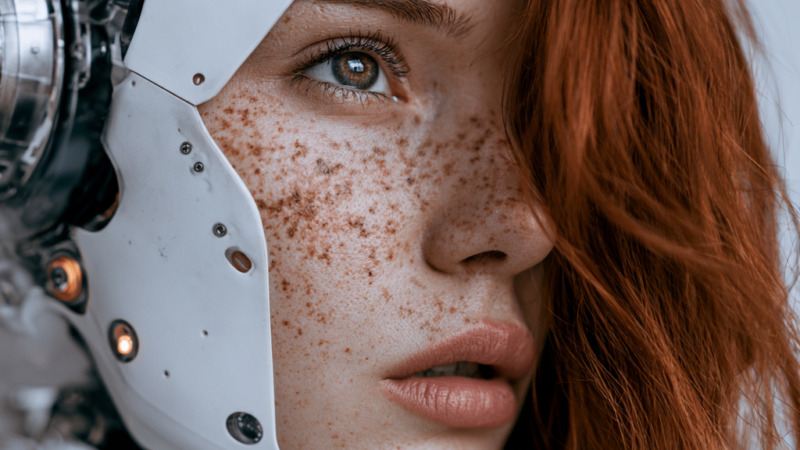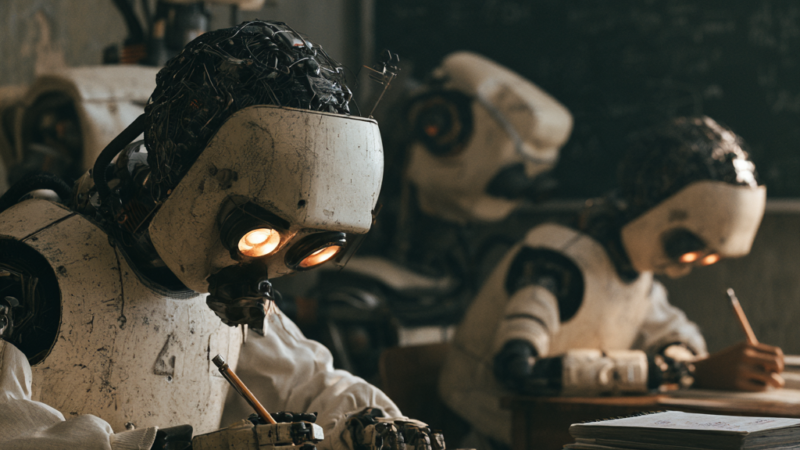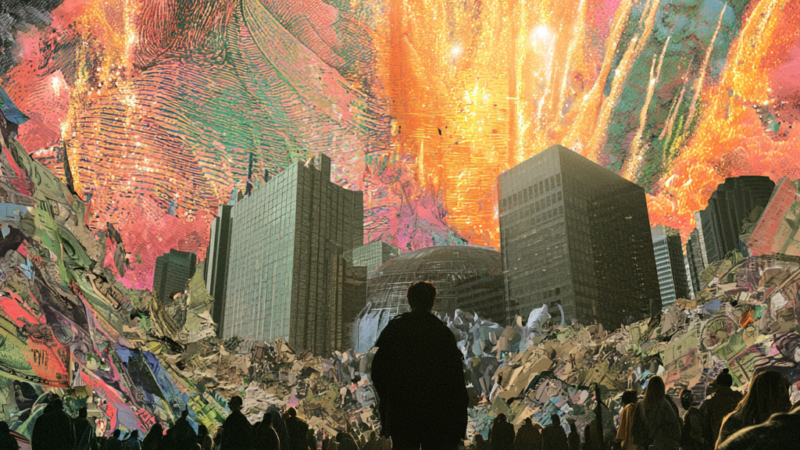
The bottleneck in filmmaking was never ideas. It was money, crew, schedule and gear. Generative video removes most of that and replaces it with a new bottleneck: taste, and the discipline to direct rather than to generate.
Here is a pipeline that actually produces a watchable short, run end to end by one person over a couple of weekends.
Stage 1 — Write like a director, not a prompter
Start with a logline and a three-act beat sheet. Then write a shot list before you generate anything: shot number, description, camera move, duration, and the emotional job of the shot. Use a language model as a script editor rather than a script writer — give it your beats and ask what is missing, what is cliché, and which scene carries no weight. The films that fail are the ones where someone generated pretty clips and looked for a story afterwards.
Stage 2 — Lock your look
Consistency is the hardest problem in generated video, and the fix is upstream. Build a small style bible before production:
- Three or four reference stills that define palette, lens feel and lighting
- A character sheet per character — front, three-quarter, profile, at consistent lighting
- One sentence of style language you paste into every single prompt, unchanged
Generate stills first in Midjourney, Ideogram or Leonardo, then animate those stills. Image-to-video gives you far more control than text-to-video, because you have already approved the frame.
Stage 3 — Generate shots, not scenes
Work shot by shot at three to eight seconds. Longer generations drift. Cut around problems the way a real editor does: if a hand goes strange at second six, the shot is five seconds long now. Runway, Sora, Veo, Kling and Luma each have different strengths — generate the same shot in two of them and pick. Expect to keep roughly one generation in five. That ratio is normal and is not a sign you are bad at this.
Stage 4 — Solve sound, because sound is half the film
Amateur AI films are recognisable by their audio. Give it real attention:
- Dialogue and narration through ElevenLabs, with direction notes rather than flat reads
- Score from Suno or Udio, generated to your cut length, not the other way round
- Room tone and foley under everything — silence between lines is what makes generated dialogue sound fake
Stage 5 — Cut it like a film
Assemble in Descript for dialogue-driven pieces or a conventional NLE for anything visual. Grade for consistency — a single LUT across every shot hides an enormous amount of model variation. Upscale the final cut through Topaz so the delivery matches the ambition.
Direct the tools. If you find yourself accepting a shot because the model produced it rather than because the film needs it, you have stopped directing and started collecting.
The honest limits, as of now
Long unbroken takes still break. Hands and text in-frame remain unreliable. Precise lip sync to specific dialogue needs a dedicated tool rather than the base generator. Physical continuity across a scene requires you to plan around it rather than fight it. And there are real questions about training data, likeness rights and disclosure — if you are publishing commercially, read the terms of every tool in your chain rather than assuming.
Ready to build the rest of the studio? The video and directing page has the full tool stack and workflow templates, image generation and print on demand covers turning frames into products, and the tools directory lists every option with what it is actually good at.